
Feature
Accept Payments Online — Payment Processing That Runs With Your Bookings, Not Beside Them
Payment processing built into your bookings — no monthly fees, no chasing. Clients pay when they book. Money lands in your Stripe account automatically.
Why Small Businesses Struggle with Payments
Payment should be the easy part. You deliver the session. Your client pays. Done. For most small businesses, payment processing isn’t that simple.
But without the right system, it rarely works that way:
- Clients say they’ll pay later — and sometimes they don’t. You end up chasing bank transfers and waiting on people who’ve already had the session
- Payments and bookings are separate — you’re running a booking tool and a payment tool that don’t talk to each other. Someone can be “booked in” with no payment attached
- You spend time on admin, not delivery — generating invoices, sending payment requests, following up on outstanding balances, cross-referencing who’s actually paid
- You don’t know what you’ve earned — three different channels (cash, bank transfer, card) with no single view of your revenue
- Late payments feel awkward — chasing money from clients you have a relationship with changes the dynamic
Payment processing for small business doesn’t need to be a separate decision — built into your booking flow, it eliminates all of this. Clients pay when they book. You see it immediately. There’s nothing to chase.
That’s how Woven works. Payment isn’t a separate tool you connect — it’s part of the booking, handled automatically every time.
How Clients Pay
From the moment your client taps the booking link, payment is part of the flow:
- Client finds your classes on your public page — and taps through to the class they want to book
- Client opens the class link — sees the class name, date, time, location, price, and spaces remaining
- Enters their details — first name and phone number. No account, no app
- Pays by card on Stripe checkout — secure, hosted by Stripe. Woven never sees or stores card information
- Confirmation lands instantly — booking confirmed, WhatsApp message sent with class details
That’s the complete flow. When a client books, they pay at the same time — the payment happens before the class. By the time your client arrives, they’re paid up.
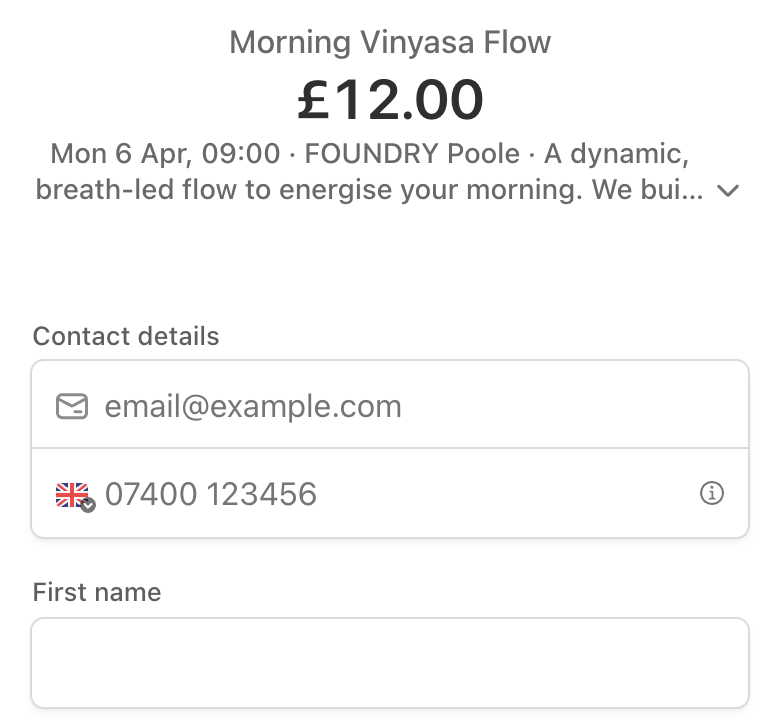
Accepted payment methods: Visa, Mastercard, American Express, Apple Pay, Google Pay — all handled by Stripe. The exact methods available depend on the client’s browser and device; Stripe determines the options automatically.
The first time someone books, their phone number is used to create a client record. Every payment they make links to that record — so your payment history and client history are the same data.
Accept Payments Online — What You See in Admin
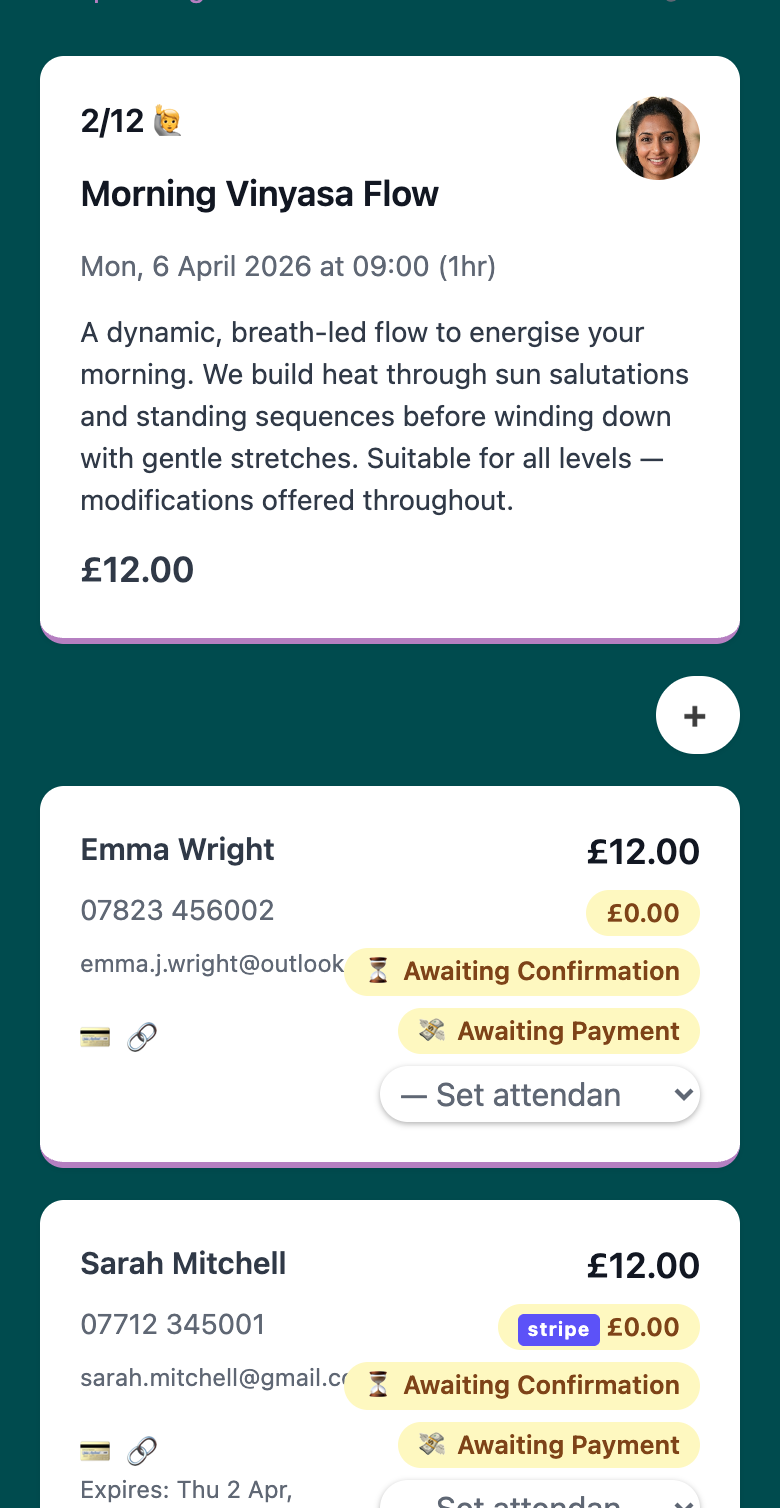
You don’t need to log in to Stripe to know who’s paid. Every booking in your admin shows a payment status at a glance:
| Status | Meaning |
|---|---|
| 💸 Awaiting Payment | Booking created, payment expected |
| 💳 Paid | Payment collected — via Stripe or recorded manually |
| 💰 Awaiting Refund | Payment received; refund in progress |
| 💷 Refunded | Refund issued |
| ⛔️ Void | Booking cancelled or invalidated |
Status updates automatically when a client pays through Stripe. You can also update it manually — for cash payments, bank transfers, or any arrangement outside Woven’s payment flow. Track payment status across all your clients →
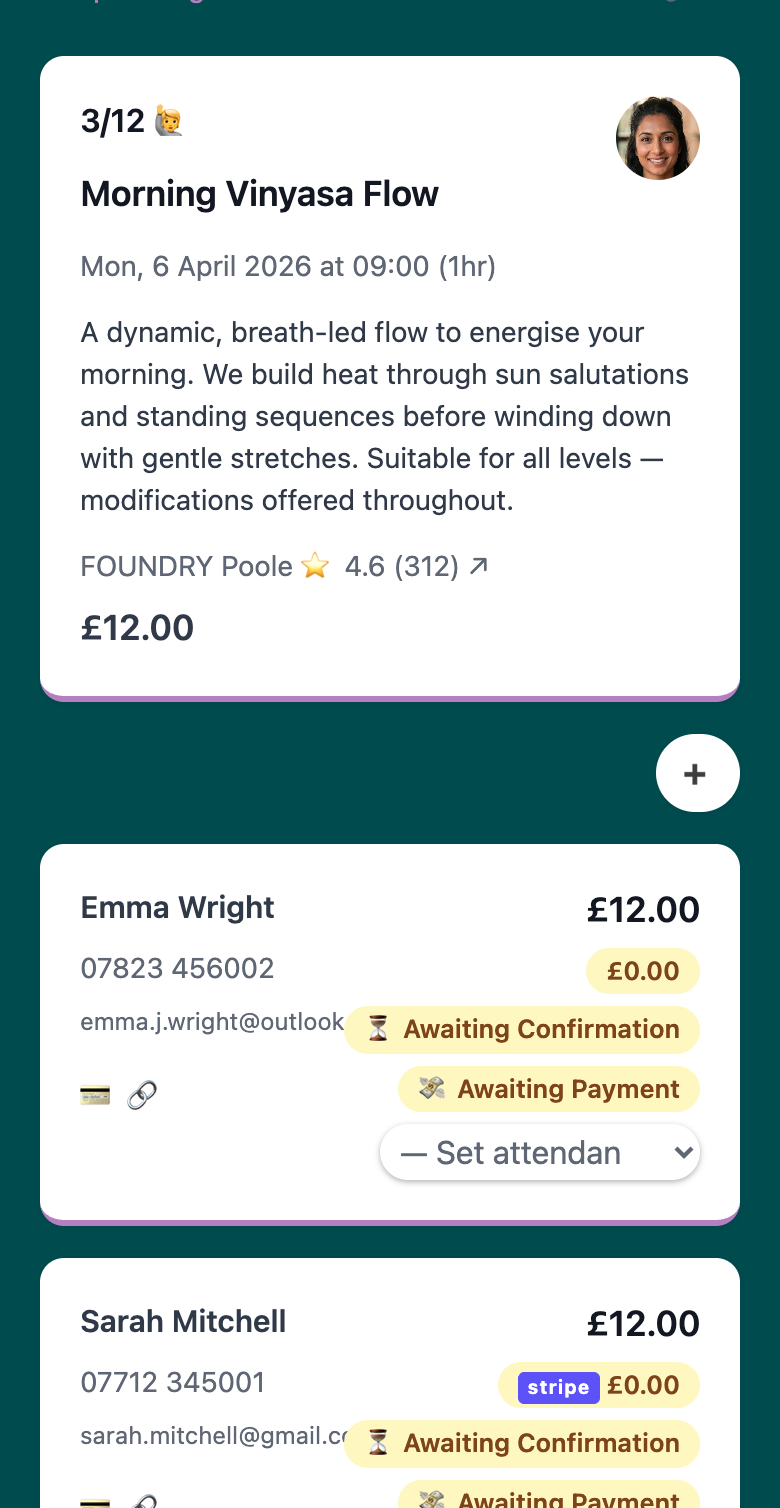
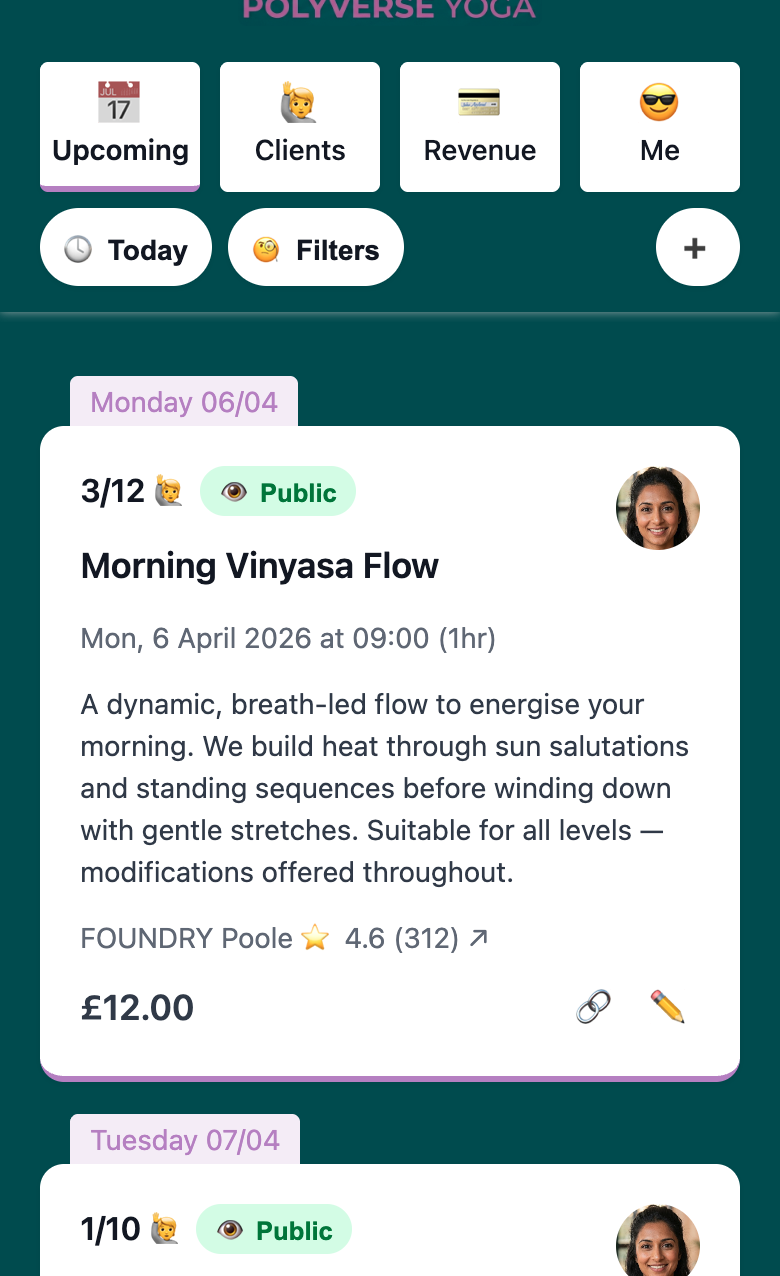
Per-class revenue and paid booking counts are visible directly in the class view. You can see what a session earned without leaving your admin.
Payment Links for Small Business
The standard flow handles bookings made by clients directly. But sometimes you need to collect payment from a client you’ve added manually, or for a balance that’s outstanding. That’s where payment links come in.
From the booking card in your admin, generate a payment link in one tap. It creates a Stripe checkout link you can copy and send via WhatsApp, text, or any channel.
Before you send, you can customise the price for that booking. Edit the amount on the booking card first — the link charges the client at that exact figure, while the default class price stays unchanged for everyone else. Useful for concessions, loyalty discounts, or any per-client arrangement. Set your class price when you create or edit a class →
How payment links work:
- Valid for 24 hours — Stripe’s limit for checkout sessions. If it expires, the booking remains and you can generate a fresh link
- Active links hold the booking place — the spot counts against class capacity while the link is live
- Price-change protection — if you change the class price while a link is active, the link is immediately invalidated and flagged as “Expired (Price Changed)”. Generate a fresh one at the new price before sending
Stripe Payment Processing — Security and PCI Compliance
Stripe handles all card data. Your clients enter their card details directly on Stripe’s hosted checkout page — that information never passes through Woven’s servers and is never stored by Woven.
What this means in practice:
- PCI compliance is Stripe’s responsibility, not yours. You don’t need to apply for PCI certification or manage card data security
- No card numbers ever touch your system — Woven receives a payment confirmation from Stripe, not card data
- Industry-standard fraud protection — Stripe’s fraud detection runs on every transaction
- All card brands covered — Visa, Mastercard, Amex, Apple Pay, Google Pay
For your clients, paying through Woven looks like paying through any major e-commerce checkout. Stripe’s brand recognition and security standards are part of that trust — you’re not asking them to hand over payment details to an unknown system.
Online Payment System for Small Business — What It Costs
Every online payment system for small business involves two layers of fees: the platform and the payment processor. Here’s how Woven works:
- Woven fee: 1.5% per transaction
- Stripe fee: Stripe’s standard processing fees (see stripe.com/gb/pricing)
- Monthly subscription fee: none
- Setup fee: none
- Contract: none
🎉 You pay only when your clients pay you. If you have a quiet month, Woven costs nothing. If you have your busiest month ever, the fee scales proportionally.
A worked example: If you take £1,000 in bookings in a month, Woven’s fee is £15. If you take £5,000, it’s £75. The cost is always predictable and tied directly to revenue.
Most payment software for small business charges a monthly subscription — £30 to £100+ whether you have ten bookings or zero. Woven’s model means your costs only appear when your income does. See how Woven’s pricing compares →
Tips for Getting the Most from Woven Payments
Send payment links via WhatsApp for the fastest response. Payment links sent through WhatsApp get opened in the same conversation your clients already use for class confirmations. The open and action rate is far higher than email — use the channel that already works.
Set per-booking custom prices before generating the link. Once a link is sent, a price change will invalidate it immediately. If a client qualifies for a concession rate, edit the booking amount first. Get it right, then generate.
Use manual payment status updates for cash and bank transfer. Stripe payments update status automatically, but you can mark any booking as “Paid” manually. Keeps your admin accurate regardless of how payment was collected.
Check outstanding balances before each class. Your class detail view shows payment status for every attendee. A quick scan before the session tells you who’s paid and who has an outstanding link — no surprises on the day.
Regenerate expired links in one tap. If a client hasn’t acted on a link within 24 hours, the link expires — but the booking stays. Tap generate again and send a fresh one. You don’t lose the booking; you just resend the checkout link.